Sign in
Prototype builder

Start from your own brand or a blank page.

Describe what you want to make. Puerta shows you the look and the plan first, then builds a clickable prototype you can change by chatting.

We'll email you a link. Nothing is built until you open it.

Want a deeper start? Take the MaxQ diagnostic →

Partner channel

A real MaxQ designer can step into your session.

They write in your chat, and the designer picks up what they say as a change to your prototype. You are emailed when they reply.

It is the same session you are already in. Nothing to set up and no hand-off.

Three real builds

Each one, with the reasoning beside it.

Each started from a short brief. Puerta showed the direction and the plan first; the prototype came after they were approved.

Lantern Street Photo Co-op

Members book enlarger time; stewards mark when the chemistry was mixed.

Example 01 of 03
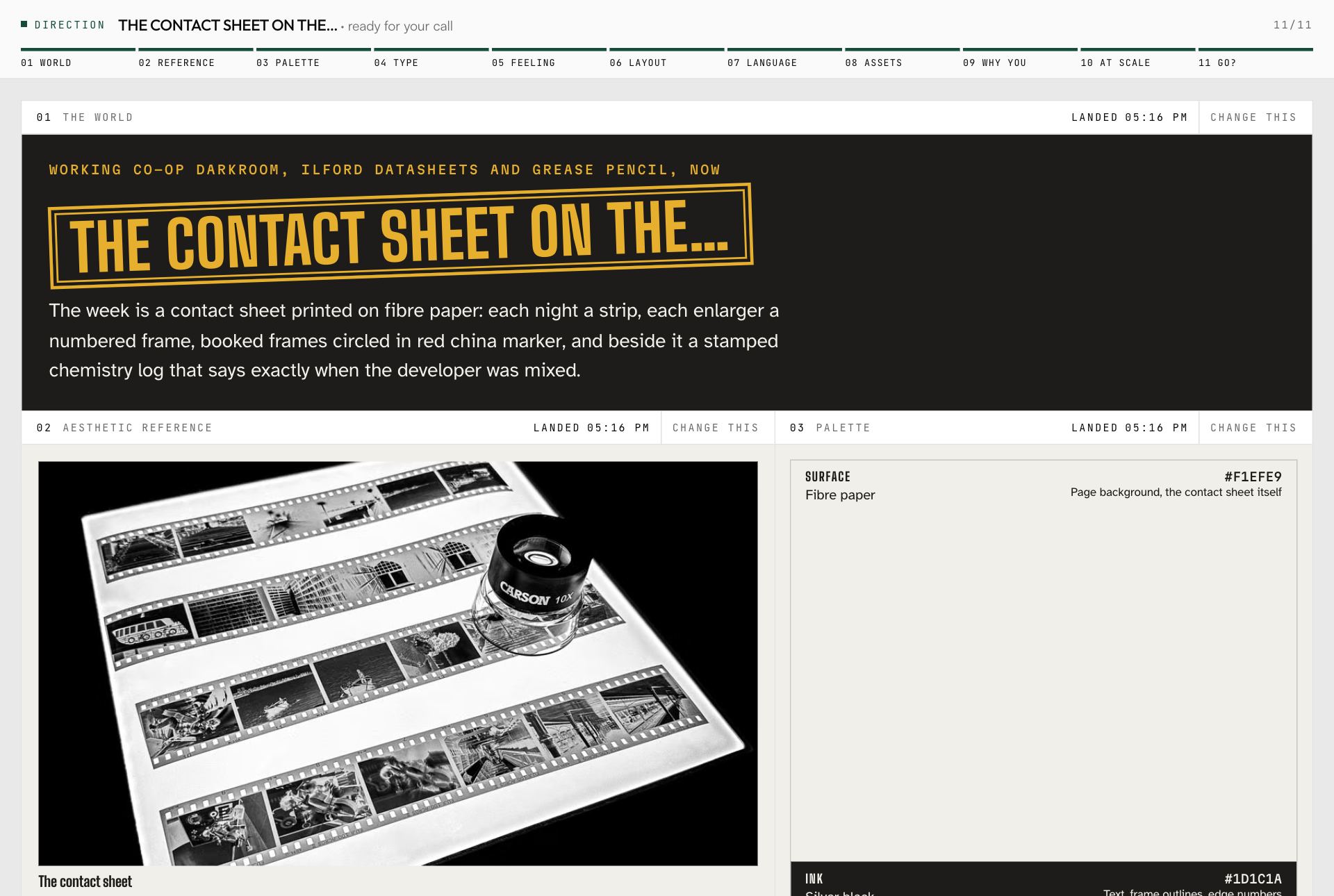
The direction it chose
The direction board for Lantern Street Photo Co-op: the world the designer chose, with its palette, type and feeling.
The plan you approve
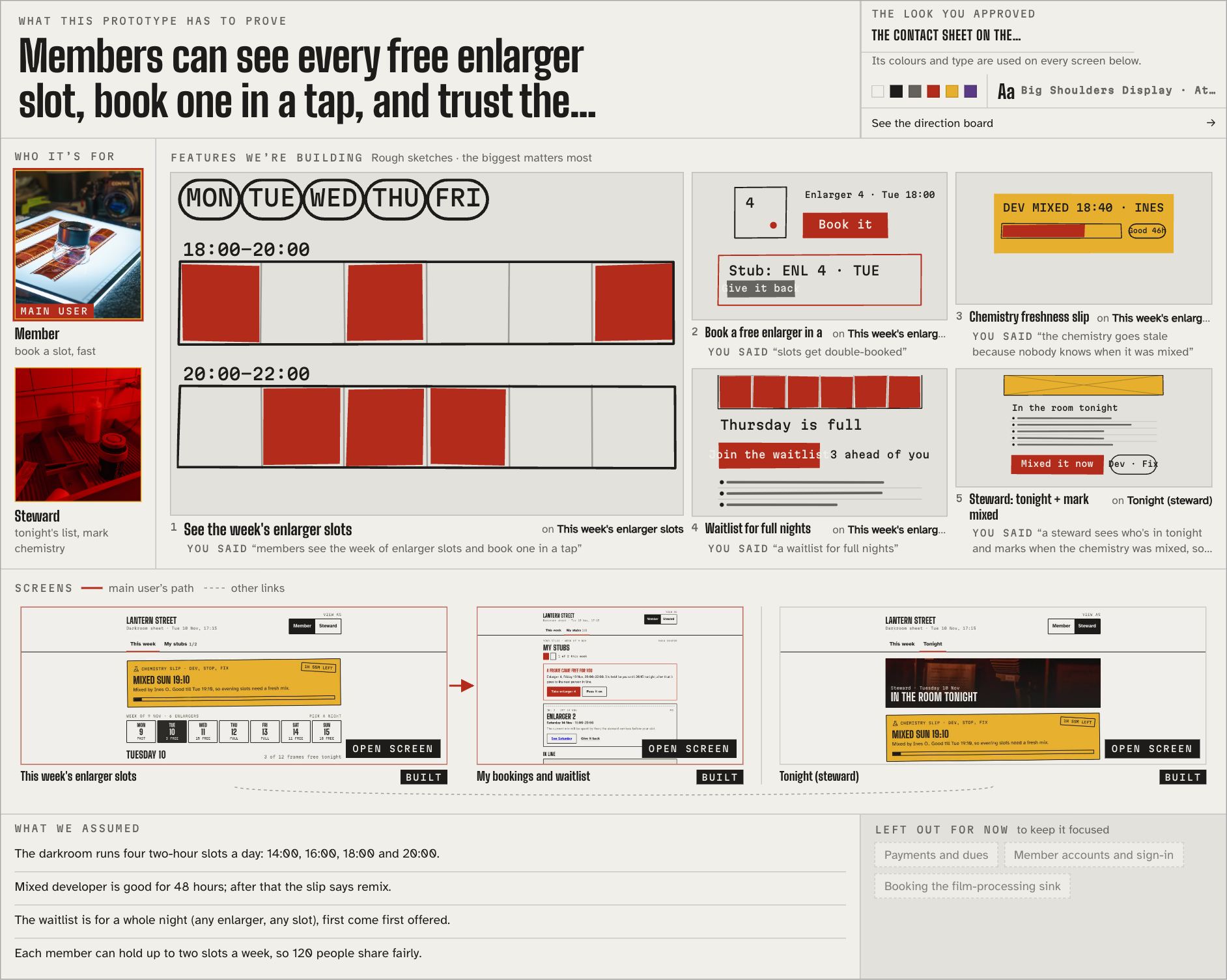
The one-page plan for the photo co-op: who it is for, five feature sketches, and the screens that will be built.
What it built
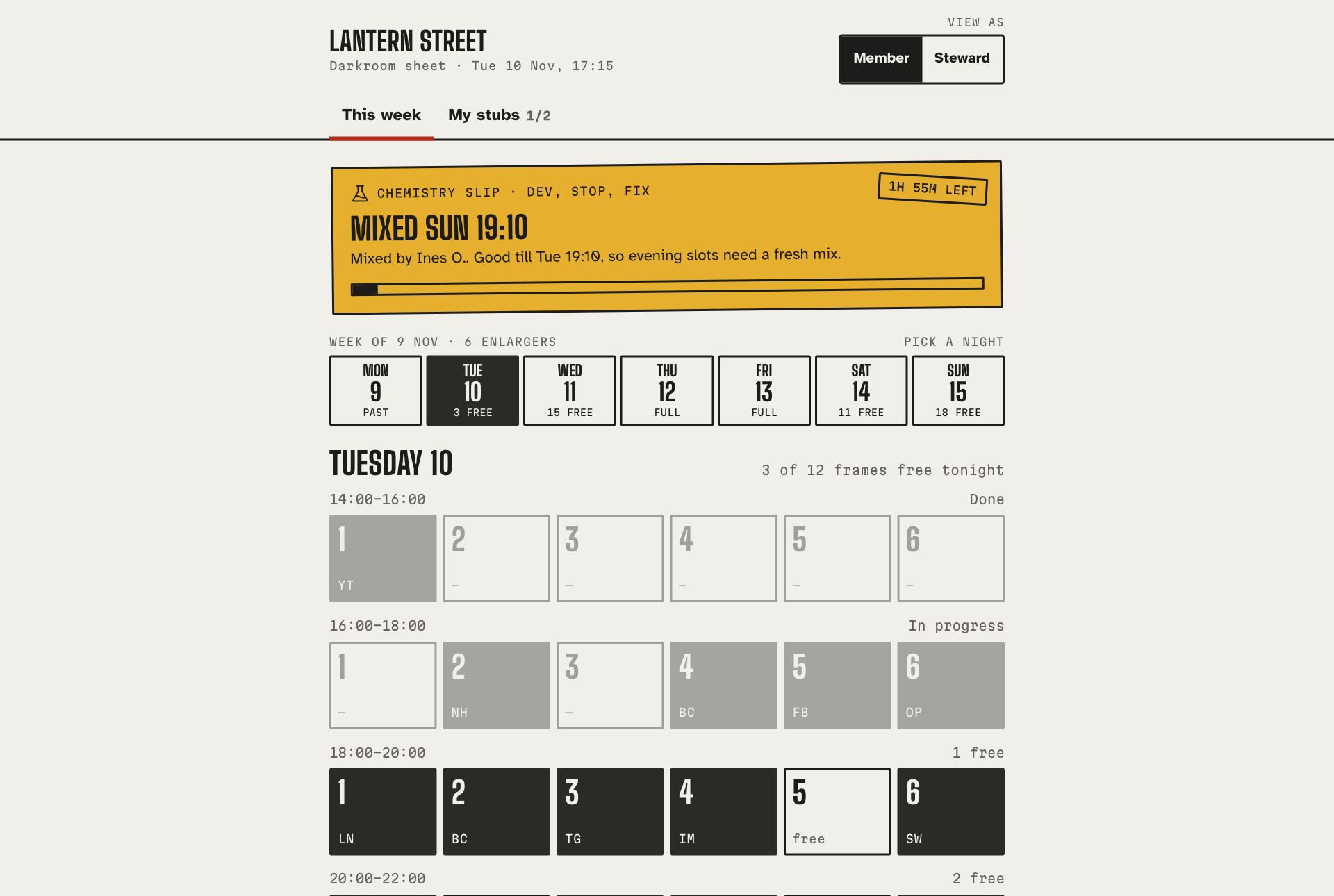
The finished desktop prototype for the photo co-op, showing enlarger booking.
On a phone
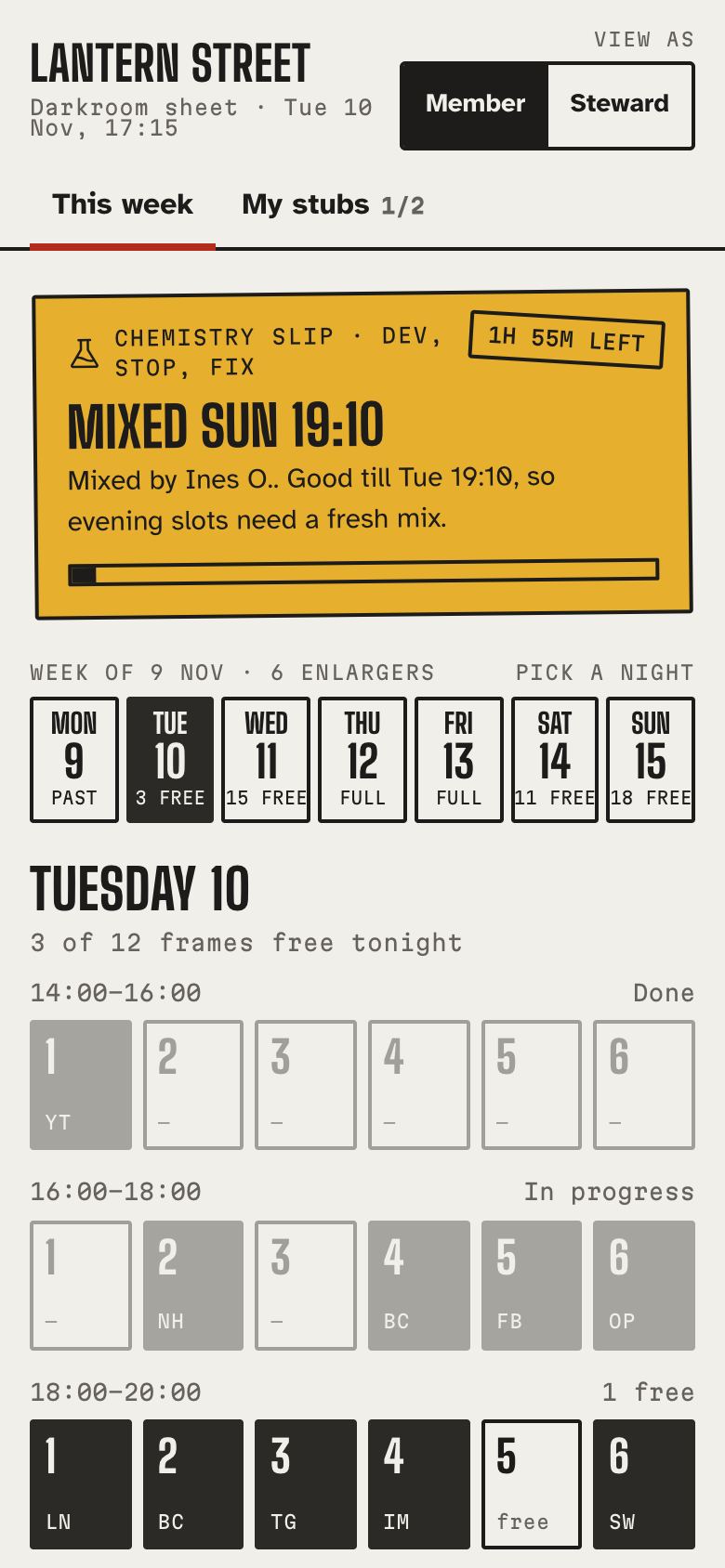
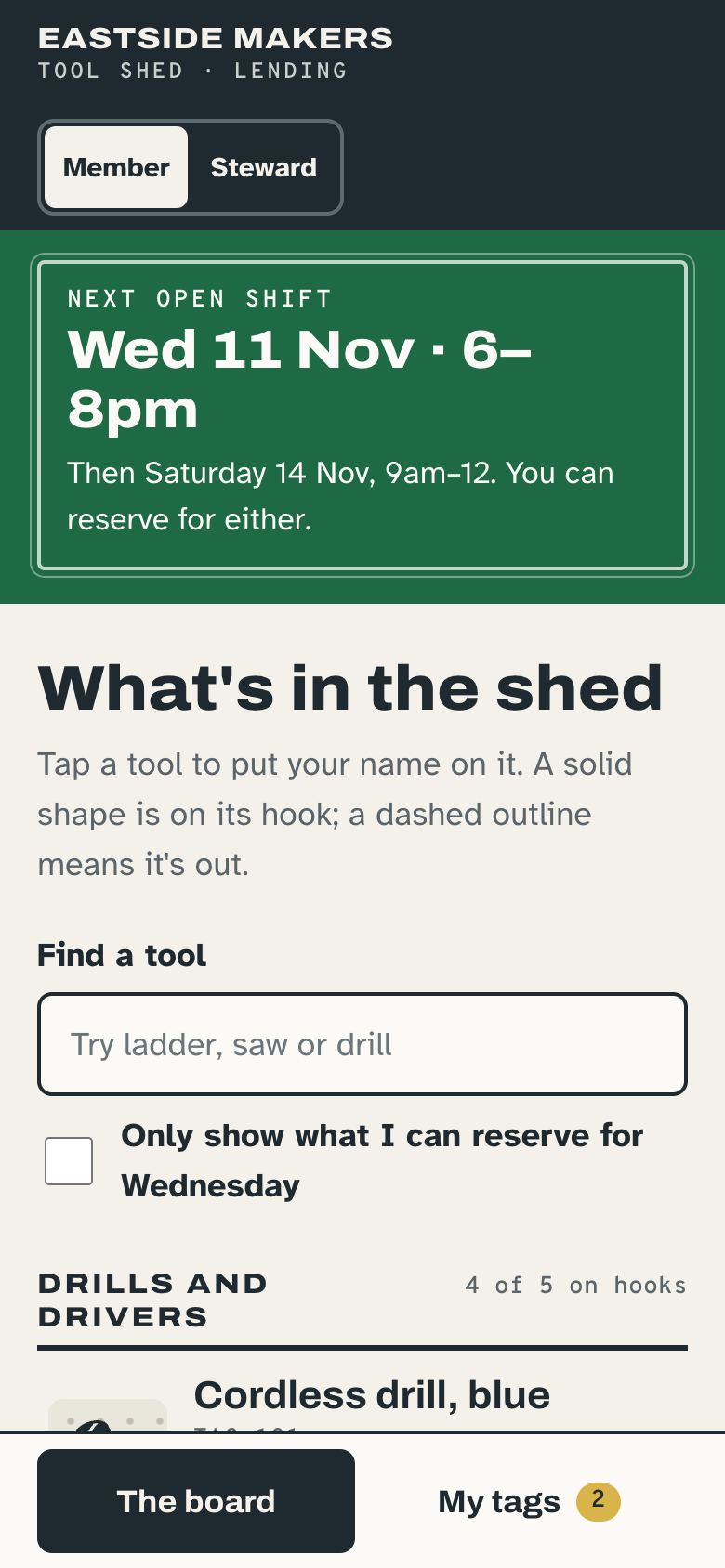
The same prototype on a phone screen.

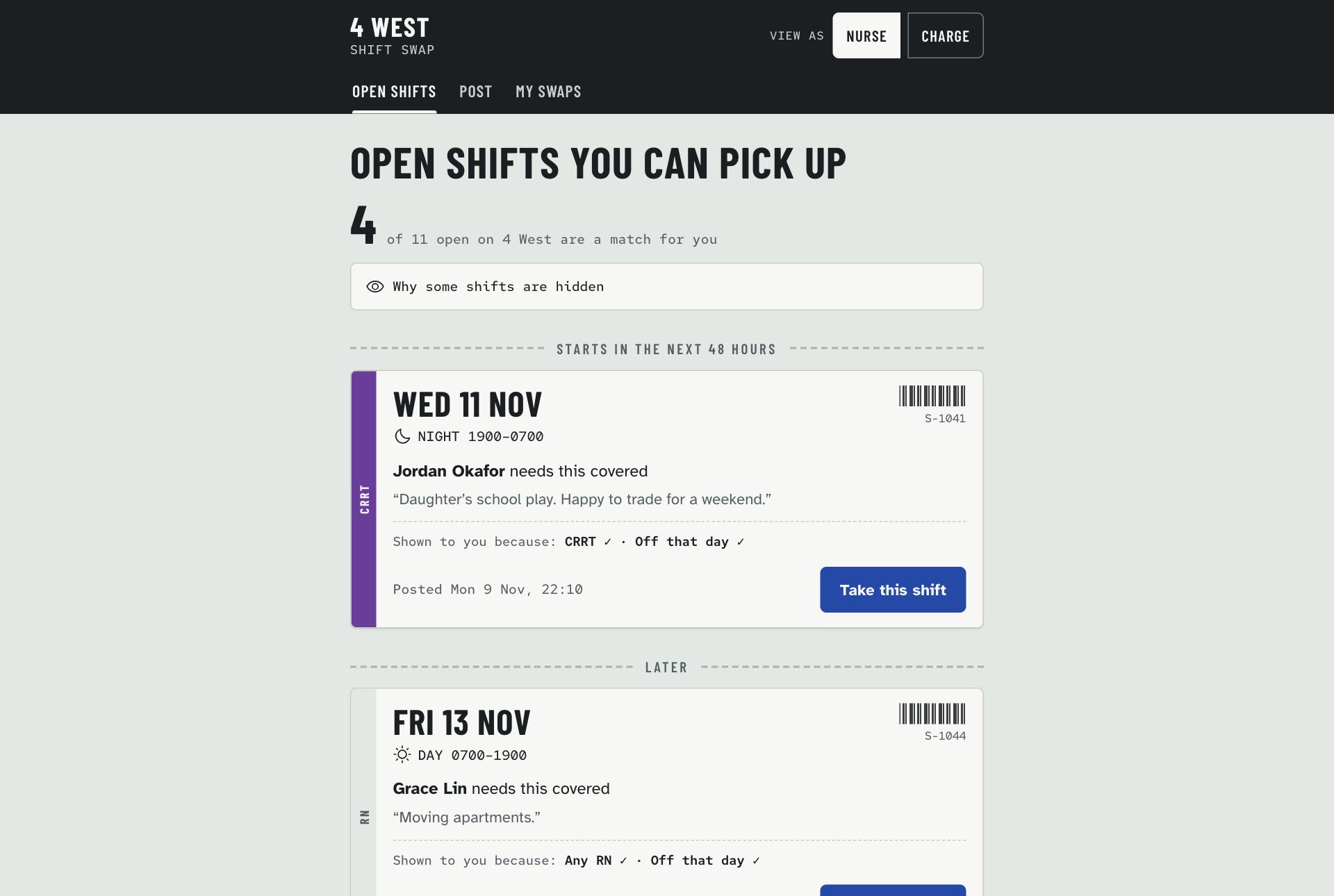
Shift Swap for 4 West

Nurses swap shifts only with colleagues who are eligible; the charge nurse approves from their phone.

Example 02 of 03
Direction: The Shift Wristband
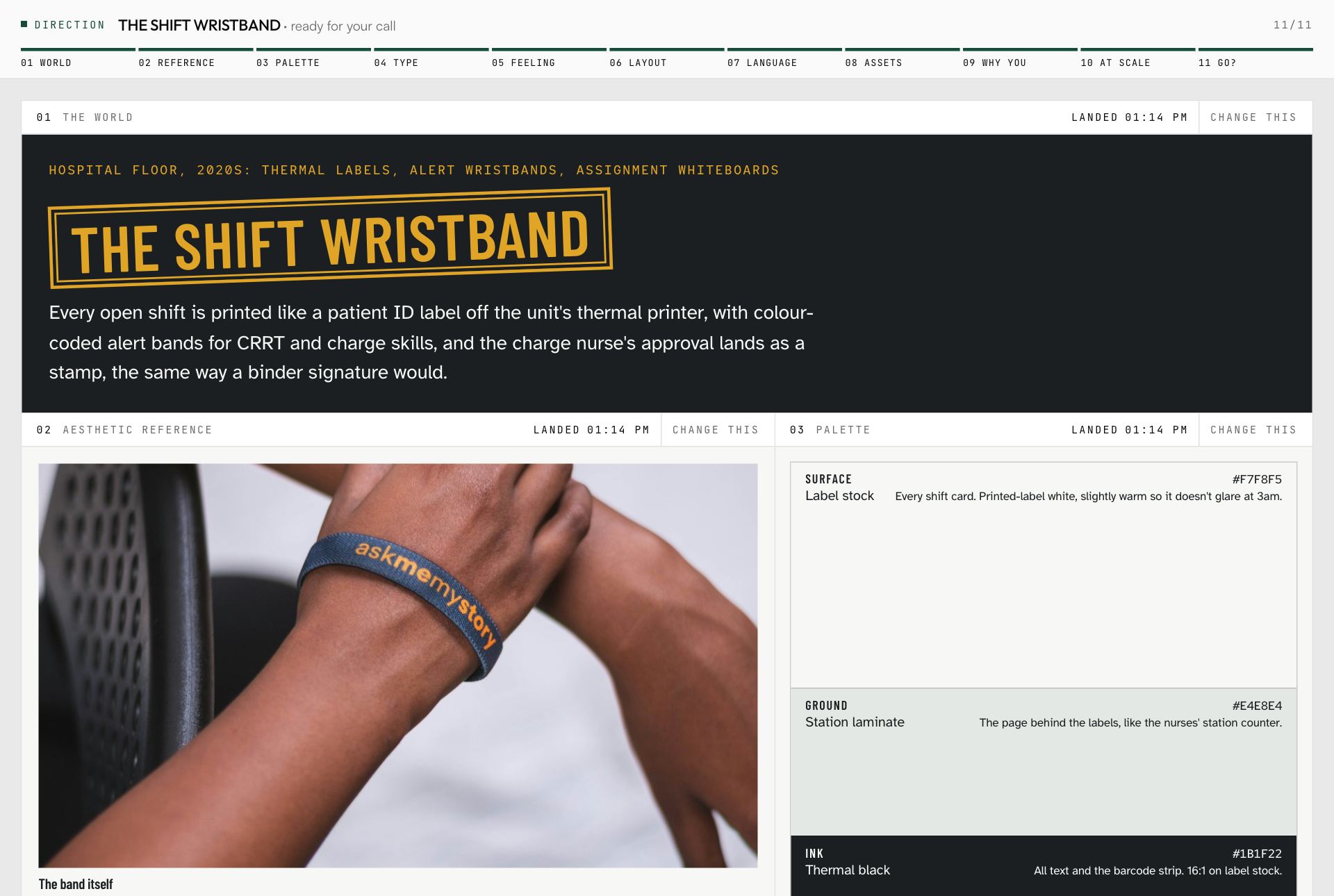
The direction it chose
The Shift Wristband direction board: the world, palette, type and feeling chosen for the 4 West shift swap tool.
The plan you approve
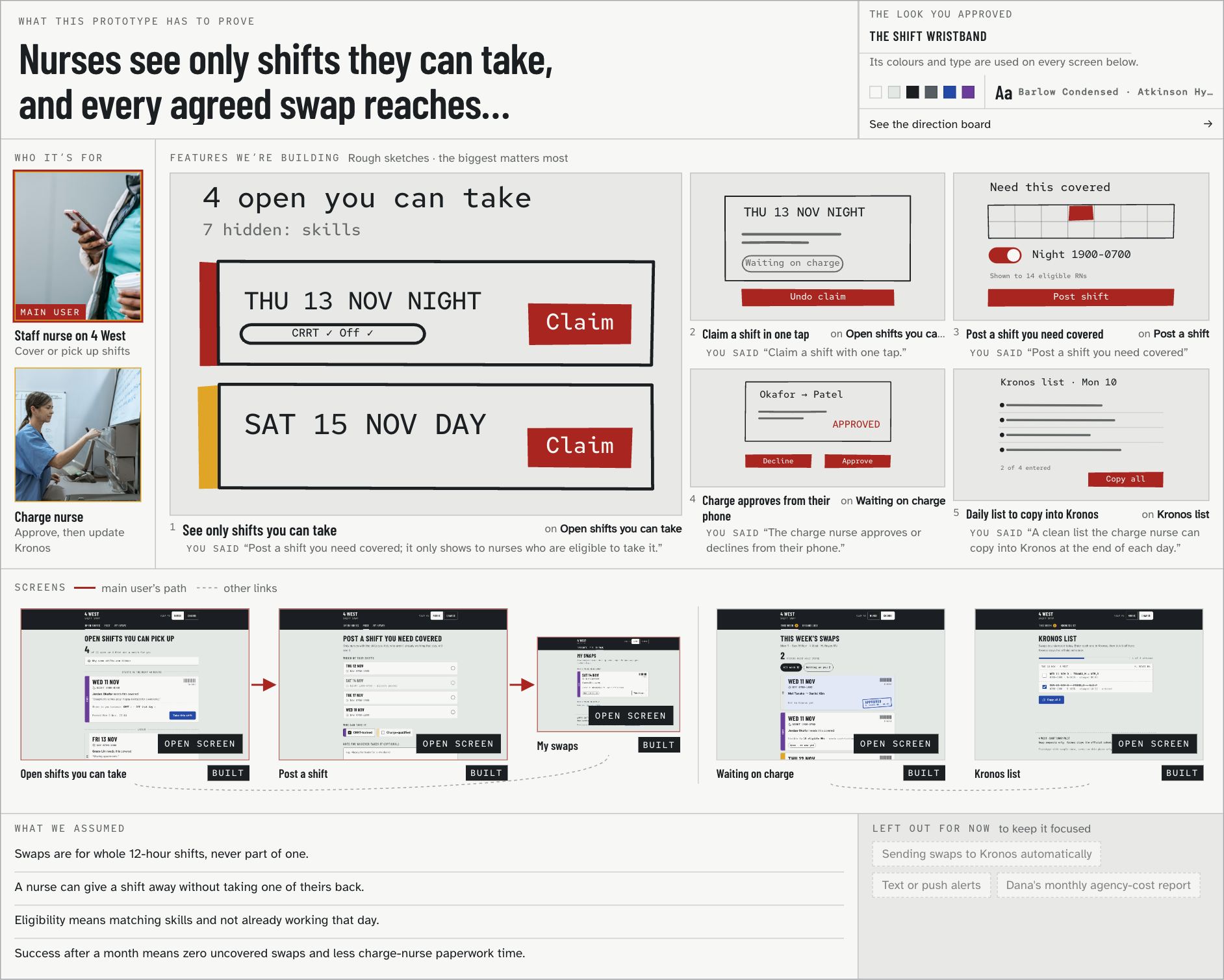
The approved plan: who it is for, five feature sketches such as claiming a shift in one tap and charge-nurse approval, and the five screens.
What it built
The finished desktop prototype: open shifts a nurse is eligible to take.
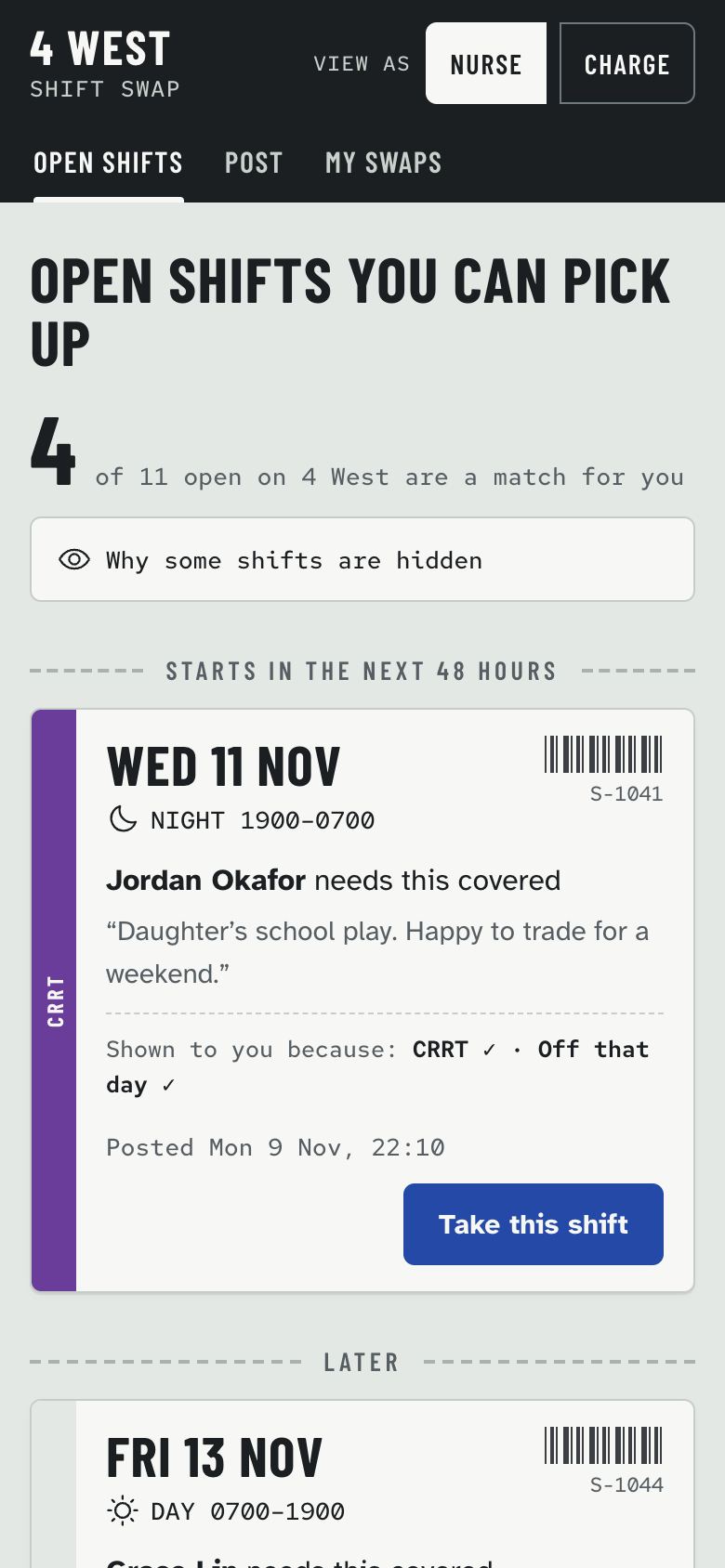
On a phone
The same prototype on a phone, as the charge nurse would see it.

Eastside Makers tool library

Members reserve a tool for the next open shift; stewards check tools out and back in.

Example 03 of 03
Direction: The Shadow Board
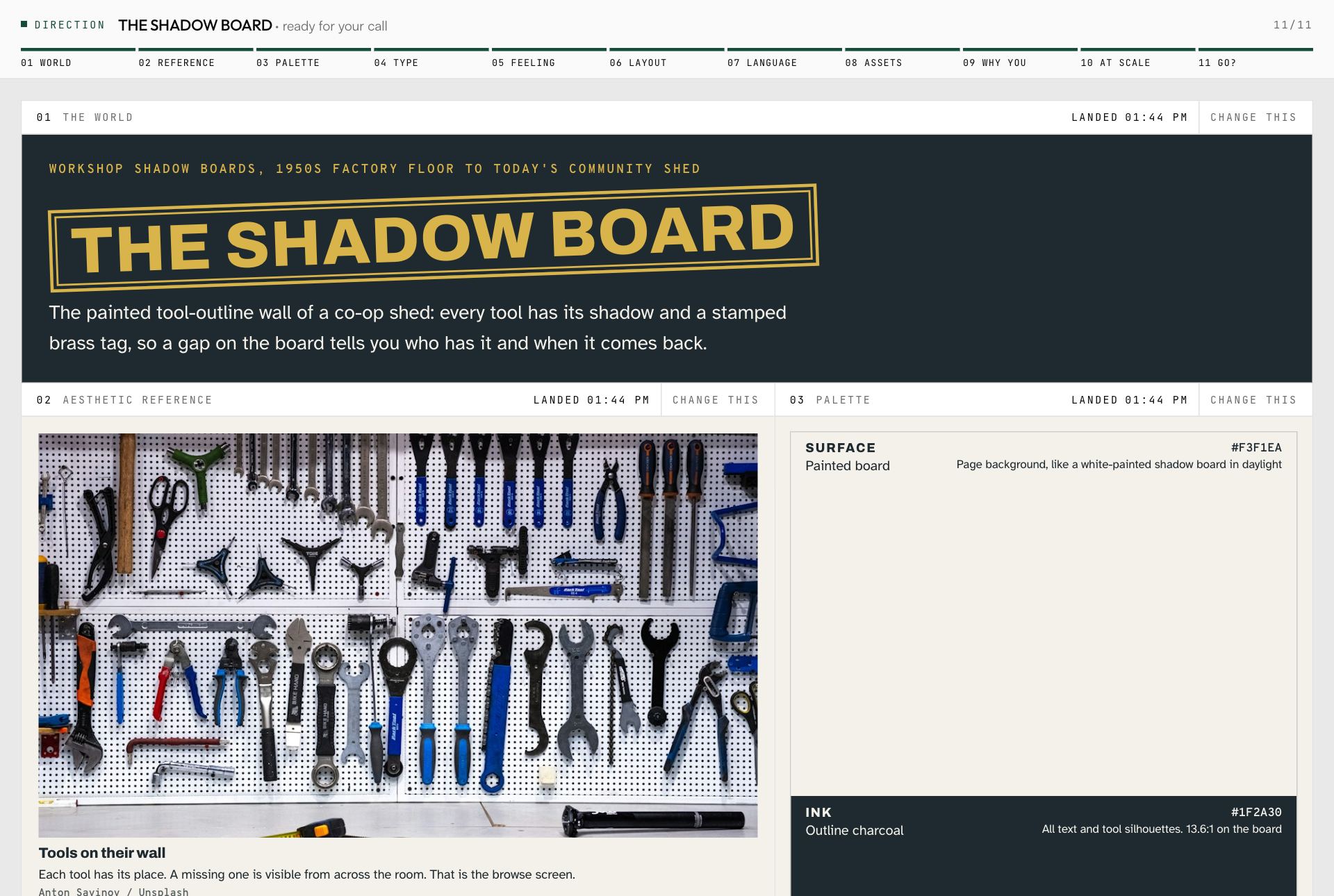
The direction it chose
The Shadow Board direction board: a painted tool-outline wall as the world, with palette, type and layout notes.
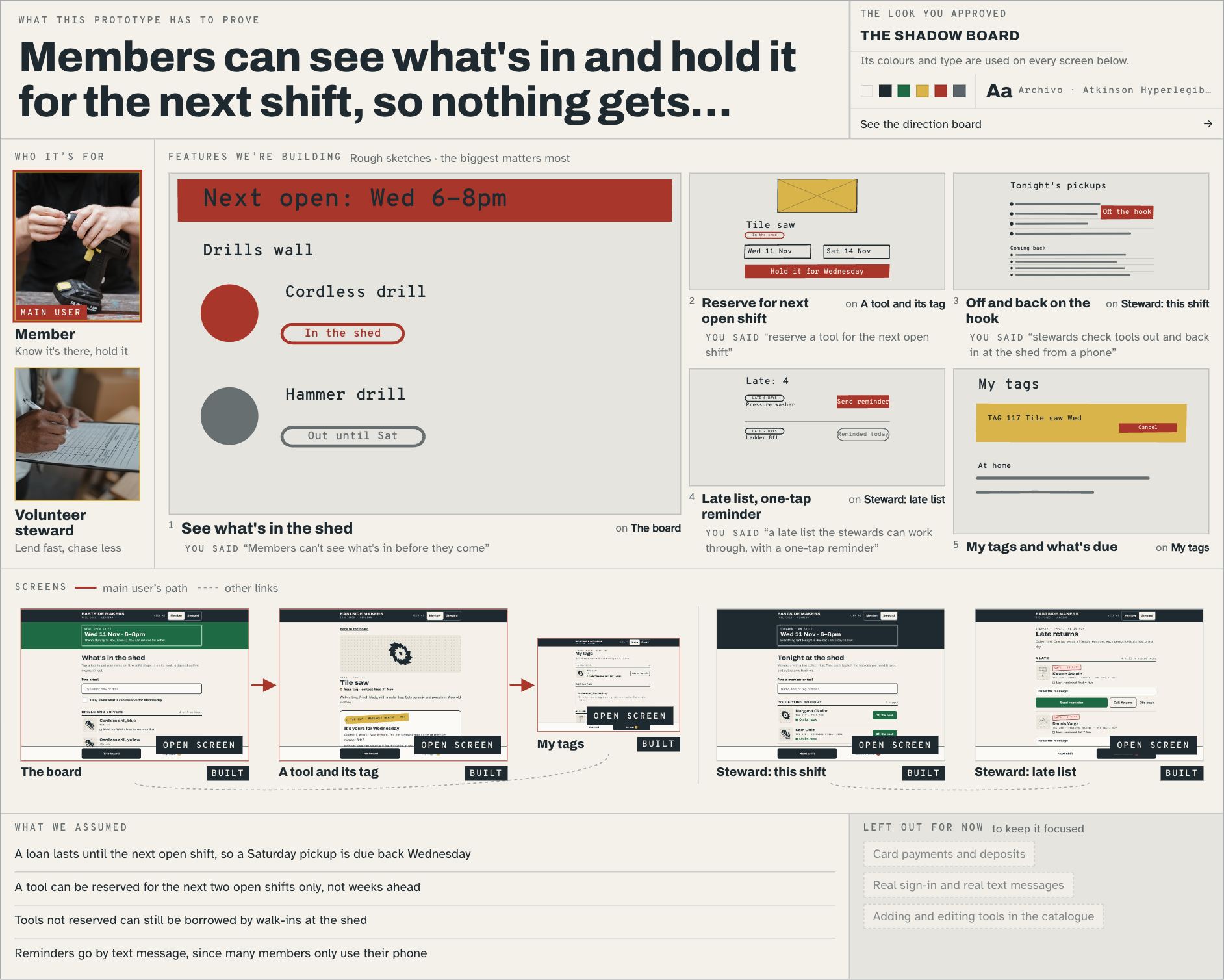
The plan you approve
The approved plan for the tool library: who it is for, five feature sketches, and the screens that will be built.
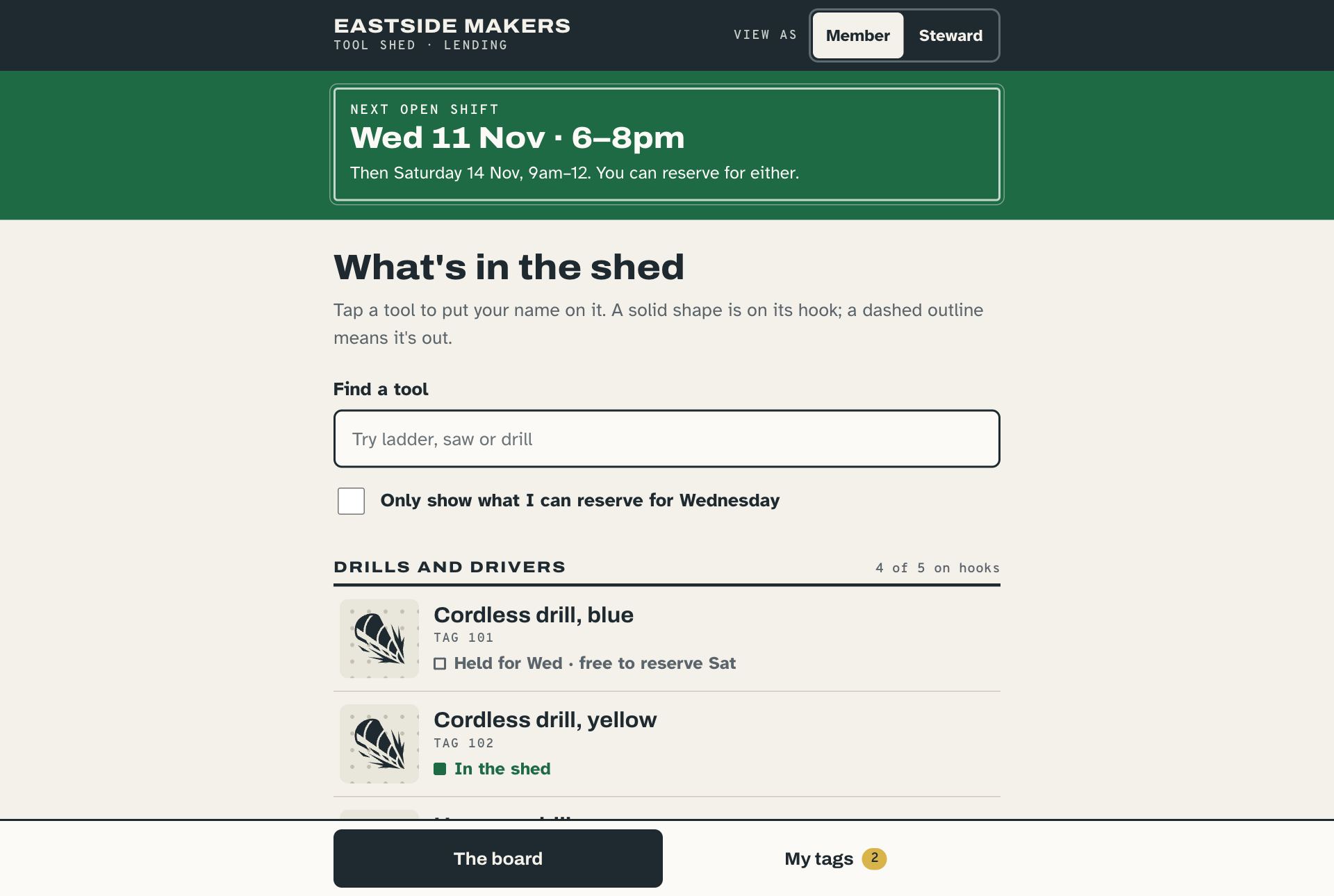
What it built
The finished desktop prototype of the tool library, where members reserve tools and stewards check them out.
On a phone
The same prototype on a phone screen.